A stationary bust is a useful first character-robot project because it gives you a face, a body shape and room to plan components without solving walking or a full articulated body. Start with a stable display form and one observable feature. Prove the shape and access before making it more complicated.
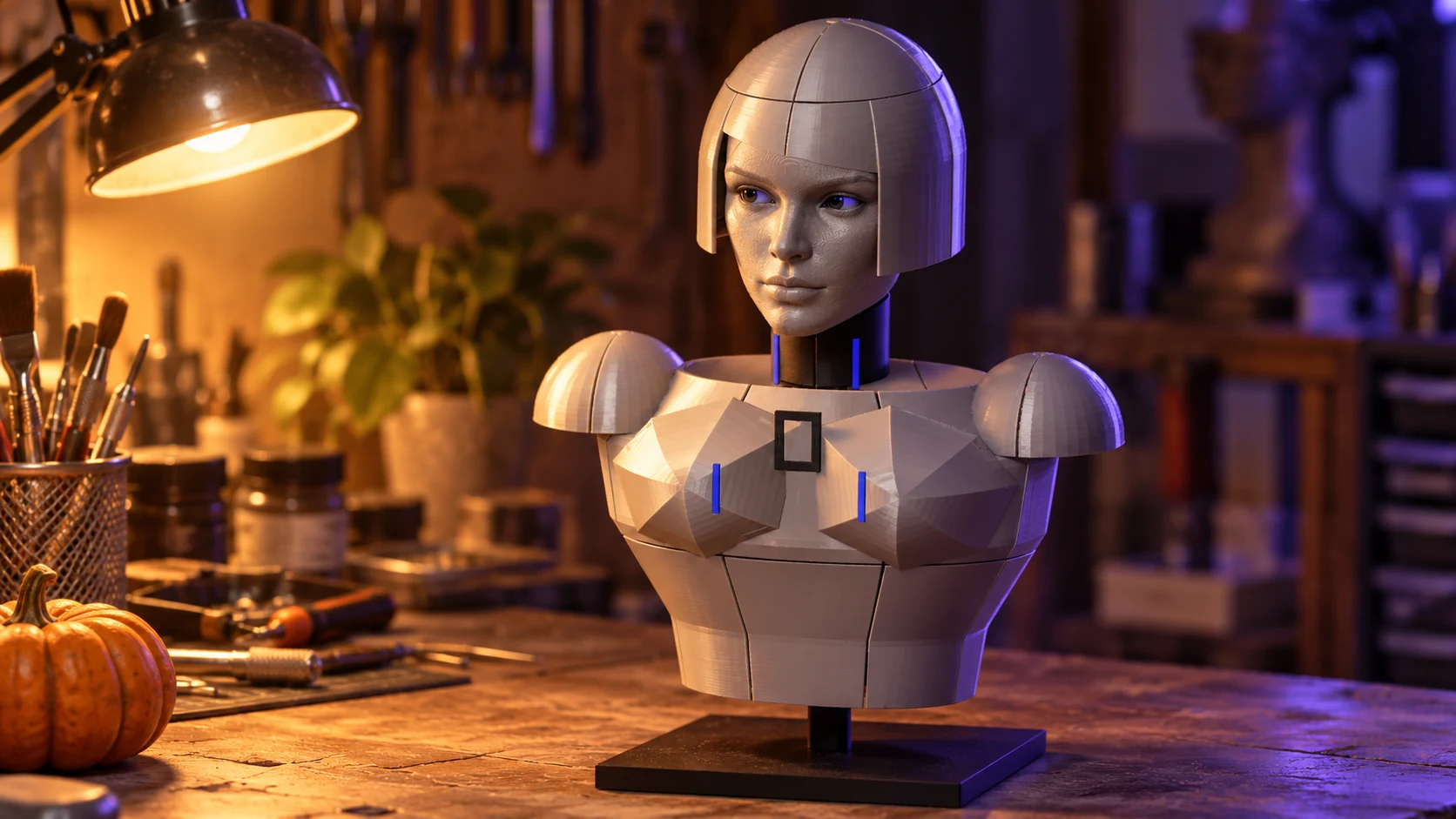
Our Nyx project connects creature-making, animatronics and robotics. The current prototype direction includes a stationary head and torso, silver surfaces, removable hair sections and a plan around a Raspberry Pi 3 and an ESP32 camera. Physical fit and hardware integration still need testing.
This exercise begins before that electronics stage: build a full-size mock-up that tells you what the character needs.
Give the character one visible job
Write an action a viewer could recognise. “Display three distinct expressions” is a workable target. “Be an amazing robot” is a lifetime of shopping without a test.
For a first pass, use interchangeable paper expressions in the eye area. Choose three states and show them to someone without naming them. Ask what they think each means.
That does not prove an electronic display or control system works. It tests whether the visual language communicates anything. You can change it while the parts are still paper.
Gather the mock-up materials
Use card, paper, removable tape, a ruler, a pencil and a firm tabletop base. Add paper stand-ins for any planned display or camera. Photograph the arrangement rather than relying on memory.
If you already have a printed shell, work with its actual dimensions. Otherwise, draw the front and side views at the size you intend to build. Keep the first model unpowered and leave moving mechanisms out of it.
Give the neck and base attention early. A beautiful face needs somewhere sensible to sit. The mock-up is for layout and appearance; it does not establish that a finished structure can support hardware or movement.
Build the shape in a useful order
- Mark the centre line, eye line and lower edge of the head on card.
- Add the rough head volume using simple folded surfaces.
- Position the torso and neck around a stable temporary support.
- Fit paper expressions and a camera-shaped placeholder.
- Add removable card hair or surface panels.
- Mark the part you would open for maintenance.
Stop adding detail whenever a basic relationship looks wrong. Changing an eye opening after finishing every hair panel is a miserable way to learn something a paper test could have shown you.
Test the view and the access
Photograph front, side and three-quarter views at the distance where the bust will normally be seen. Do the expressions read? Does the hair hide the face? Does the character look intentional from more than one angle?
Now remove the proposed access panel. Can a hand reach the component positions? Would the face have to come off to reach a storage card or connector? Do planned cables have a route that does not depend on trapping them between panels?
The robot-head layout guide turns those questions into a component map.
Keep identity separate from capability
A polished character can appear finished before its mechanisms are ready. Record the state of each part: concept, mock-up, printed part, fit tested or working. A rendered assembly is a view of a design. A physical test supplies different evidence.
If you use existing printable components, check their dimensions and their reuse terms. Parts from different projects do not become compatible because they all belong to a robot.
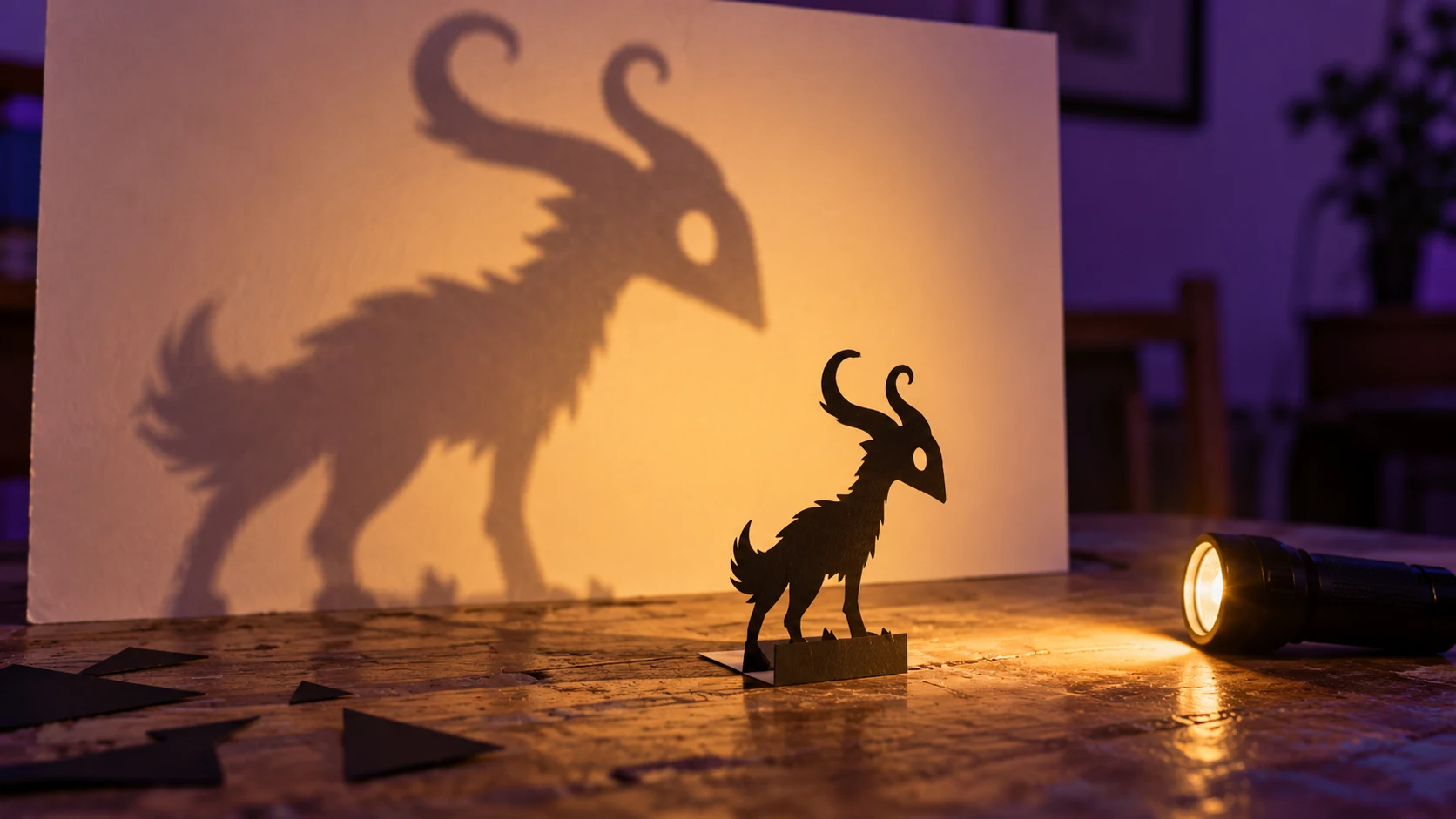
Our creature-design guide helps connect silhouette with behaviour. For a small seasonal detour, use the same character thinking in a shadow-creature photograph.
Finish with one clear result: a photographed mock-up, a readable expression set and a list of dimensions to test next. That is a build you can learn from.